Order.co vs. Ramp: Which Fits Your Spend Control Needs?

Order.co vs. Ramp: Which Fits Your Spend Control Needs?
If Ramp is already on your shortlist or issuing cards to your team, you don't need a primer on spend management. What you need is a clear understanding of how much control you need over what your team members buy and how early you see their transactions.
Ramp is a corporate card and expense management platform. Order.co is a purchasing platform for physical goods: teams can order everything they need from a curated catalog in one place, and you decide exactly which products they can buy, down to the line item.
The differences between the platforms show up in three key places: control over what teams purchase, line-item visibility into what was actually bought, and float on every purchase. On a card, a $400 office supply run shows up as one transaction. In Order.co, it shows up as the individual items, each coded to the right GL account. And with 83% of CFOs ranking cash management among their top three areas needing attention, the timing of every payment matters as much as the controls around it.
But choosing Order.co doesn't necessarily mean leaving Ramp. Several Order.co customers keep Ramp for travel and meals and run their supply purchasing through Order.co.
Quick answer:
Here's how the two platforms compare at the decision level:
- Ramp is built for card spend. Employees get corporate cards with limits set by merchant, category, or amount.
- Cards work well for employee expenses. Travel and meals fit naturally on a card with policy built in.
- Supply purchasing needs more granularity. Finance teams want every item coded automatically and accurately, without slowing down month-end close.
- Many teams run both. They keep Ramp for travel and meals and move supply purchasing to a dedicated platform.
- Order.co gives you item-level control over supply spend. Curated catalogs and line-item GL tagging control each purchase, and weekly billing with Net 30 terms gives every purchase 30 to 37 days to pay.
Comparing Order.co vs. Ramp? Take a quick self-guided tour of Order.co
Order.co vs. Ramp at a glance
| Ramp | Order.co | |
| Purchasing model | Employees buy with cards at the merchant | Teams check out from a curated catalog in Order.co |
| Purchase control | Limits by merchant, category, or amount | Exact products and vendors, down to the line item |
| Spend categorization | Card transactions coded from the receipt after the swipe | Every line item tagged at the moment of purchase |
| Budget visibility | Once a transaction posts | Before the purchase, at approval |
| Billing cycle and float | One 30-day cycle, about 15 days of float on average | Weekly bills on Net 30, 30 to 37 days per purchase |
| Card type | Physical and virtual charge cards | Virtual vendor-locked cards |
| Integrations | 40+ accounting systems, by plan | QuickBooks Online, NetSuite, Sage Intacct, Workday, and custom data integrations |
Where Ramp fits
Ramp is a spend management platform built around a corporate charge card. Its core strength is incorporating policy into the card and automating work after each swipe, from receipt capture and coding to accounting sync.
Ramp's core capabilities include:
- Corporate cards: Unlimited physical and virtual cards with limits and restrictions by merchant, category, or amount.
- Expense management: Automatic receipt capture, pre-filled memos and categories, and automatic flags on out-of-policy expenses.
- Travel: Flight, hotel, and car bookings inside custom travel policies by role, department, or location.
- Bill pay: Invoice processing with OCR invoice capture, automated GL coding, and payment methods like ACH, card, check, and wire.
- Procurement add-on: Procurement management features like intake requests, approval workflows, automated PO creation, and two- and three-way matching for Ramp Plus or Enterprise plans.
Best for: Finance teams that want one platform for corporate cards, employee expenses, travel, and accounts payable.
Considerations: Ramp sets controls at the card, merchant, and category level, and employees complete the purchase on the vendor's site, allowing them to choose specific items at checkout. Procurement features require a paid add-on, and Ramp codes at the transaction level, so a single purchase that spans several categories can't be split across line items.
Where Order.co fits
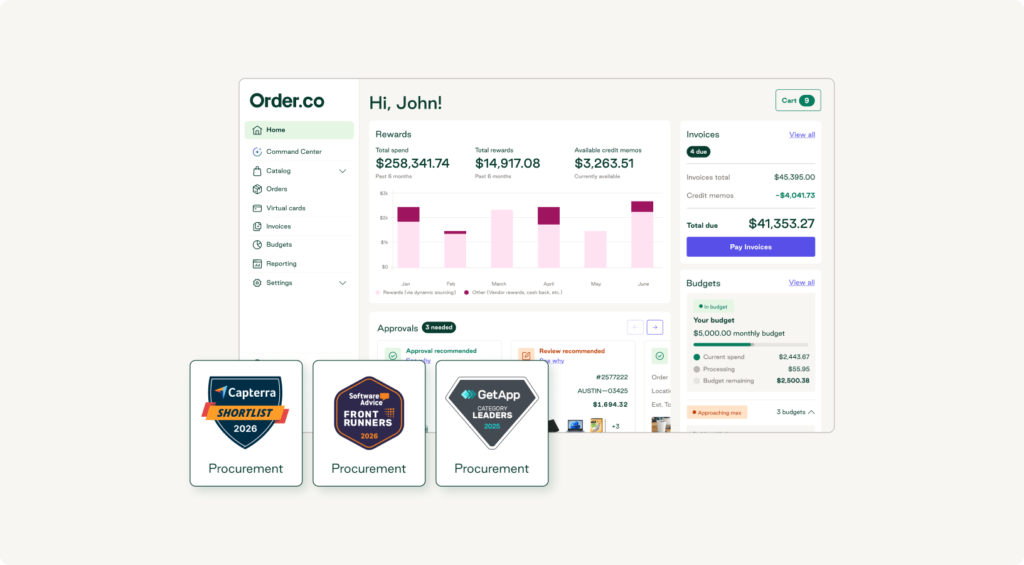
Order.co is an AI-powered procurement and finance automation platform built for mid-market and enterprise organizations buying physical goods across locations. Purchasing happens inside the platform, and Order.co handles routing approvals, generating POs, placing orders with vendors, coding spend, and making payments.
Order.co's core capabilities include:
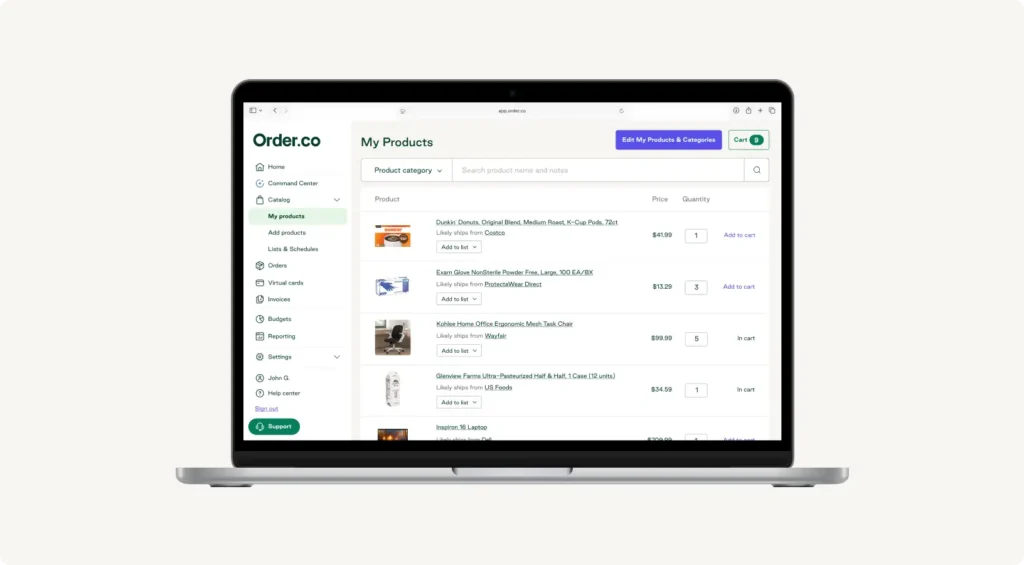
- Curated catalogs: Control starts at the catalog level. Only pre-approved products and vendors are visible to buyers, so compliant purchasing is the default path. Catalogs draw from a 40,000+ vendor network or any vendor you already use, since Order.co is a vendor-agnostic procurement platform.
- Line-item GL tagging: Order.co tags every line item with the correct GL account, cost center, and entity at the moment of purchase, so nothing needs recoding at month-end close. On card spend, Ramp codes the transaction from the receipt after the swipe.
- Budgets and approvals: Real-time budgets and configurable, multi-level approval workflows check every order before it reaches the vendor.
- AI in the buying workflow: The sourcing algorithm finds the best price or options for out-of-stock goods, and customers realize hard-dollar savings of 5% on average. At approval, anomaly detection flags orders that fall outside normal spending patterns so reviewers focus on the exceptions.
- Payments and integrations: Vendor-locked virtual cards with built-in approvals and AI receipt matching, weekly billing on Net 30, and native integrations with accounting software like QuickBooks Online, NetSuite, and Sage Intacct, plus Workday.
Best for: Finance teams at multi-location organizations that want item-level control over supply purchasing, from cleaning supplies to packaging.
Considerations: Order.co is built for supply purchasing. It can handle some travel and meal spend, but a dedicated card and expense platform like Ramp is currently the stronger fit for those categories. Pricing is custom and tied to spend volume, so expect a conversation with sales before you see numbers.
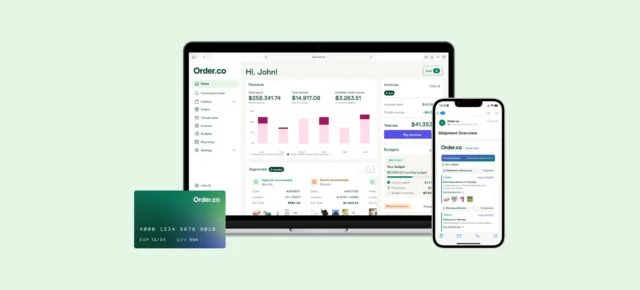
See how Order.co stacks up against Ramp
Tour the product in under 2 minutes and decide for yourself.
Payment terms and float
Float is the time between buying something and the cash leaving your account. The longer it runs, the more room you have to plan around your cash.
Ramp's charge card runs on a single 30-day statement cycle, with the full balance due at the end of each cycle. A purchase on the first day of the cycle gets about 30 days before payment, and a purchase on the last day gets almost none. Across a month of steady spend, that averages out to roughly 15 days of float.
Order.co bills weekly, and every weekly bill carries Net 30 terms. A purchase at the end of a billing week gets 30 days, and one at the start of the week gets up to about 37, for an average of roughly 33. Every purchase gets at least 30 days, roughly double Ramp's average float, and Order.co's working capital management options add custom net terms for vendors where you need longer cycles.
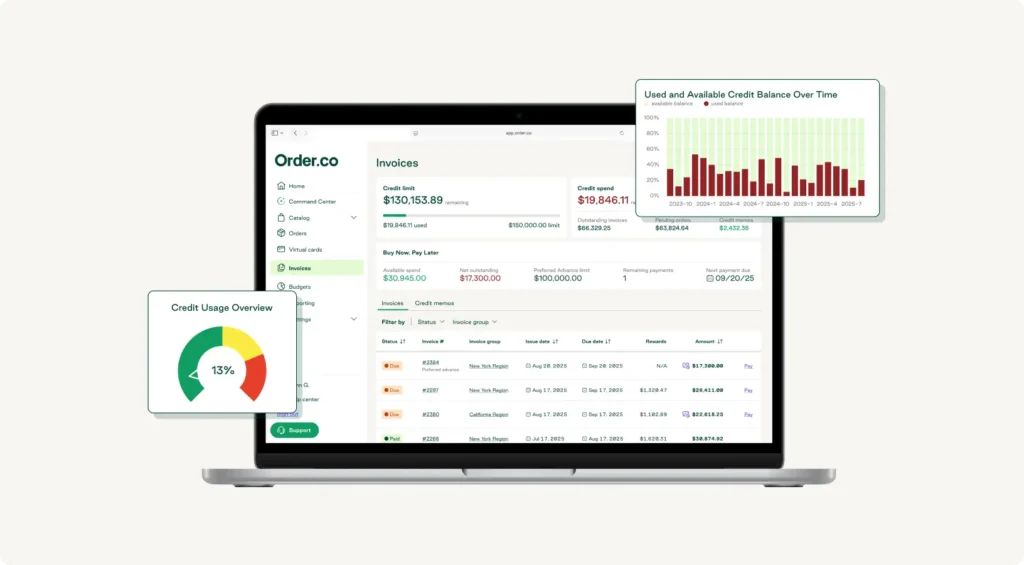
Your cash also leaves in a different rhythm. Supply spend goes out in smaller weekly amounts, which is easier to forecast against than one monthly lump sum. And instead of managing dozens or hundreds of separate vendor payments, Order.co pays your vendors via their preferred method, Net 1, and consolidates payments into customized bills that fit your bookkeeping.
Feature comparison
| Feature | Ramp | Order.co |
| Purchase control | Merchant, category, and amount limits | Curated catalogs of pre-approved products and vendors |
| Categorization | Transaction-level coding from the receipt | Line-item GL tagging at purchase |
| Approvals | Configurable approval workflows | Configurable multi-level approval workflows, including mobile approvals and anomaly detection on unusual orders |
| Purchase order creation vs. execution | Procurement add-on creates a PO or virtual card after approval | Generates the PO and places the order with the vendor |
| Matching | Two- and three-way invoice matching | Automatic matching of orders, receipts, and invoices |
| Vendor catalog | Vendor tracking; purchases happen at the merchant | 40,000+ vendor network or your existing vendors |
| Card type | Physical and virtual | Virtual, vendor-locked |
| Integrations | 40+ accounting systems, by plan | QuickBooks Online, NetSuite, Sage Intacct, Workday, and custom data integrations |
| Billing terms | 30-day cycle, paid in full | Weekly bills on Net 30 |
On pricing, Ramp publishes tiered plans (Free, Plus at $15 per user per month with an added platform fee, and custom Enterprise), with Procurement as an add-on, while Order.co uses custom pricing tied to spend volume.
Both platforms support matching. With Ramp's Procurement add-on, three-way matching checks the invoice against the PO and item receipt once the invoice arrives. In Order.co, the order is placed inside the platform, so the PO, order, and invoice are already linked when matching runs.
If your team buys in person, Ramp's physical cards cover that, while Order.co's cards are virtual and vendor-locked, the core trade-off in any virtual card vs. physical card decision.
Using Order.co alongside Ramp, or instead of it
Whether you use both depends on what your team buys. Organizations with significant travel and client-meal spend often keep Ramp cards for those and move the bulk of supply purchasing into Order.co. Teams whose spend is mostly supplies, like childcare centers, often move fully to Order.co, since little is left that needs a separate card program. In a split setup, each platform handles the spend it was built for, and your locations get a purchasing system that fits how they actually buy supplies.
If you're moving supply spend fully into Order.co, your vendor relationships and negotiated pricing stay in place, and Order.co's dedicated onboarding team handles the documents and forms to bring your existing vendors into the platform. Your approval logic carries over as catalog rules and approval workflows.
What changes is where buying happens. Purchases move off vendor sites and into Order.co, which is what creates line-item control and earlier spend visibility.
Before go-live, map these three things:
- Current Ramp workflows: Note which cards, limits, and approval chains cover supply purchases today.
- Vendor list: Pull the vendors your teams buy supplies from to seed your curated catalog.
- GL coding rules: Document how you code supply categories today so Order.co can apply the same GL accounts, cost centers, and entities to every line item from day one.
See Order.co run purchasing, approvals and payments end to end

Which one fits your team
The decision comes down to how much control you need over what gets purchased and how it's categorized. Ramp covers card spend and expenses well. Order.co gives your teams one easy place to buy supplies, with control over exactly which items get bought, line-item visibility into budgets before the money moves, and 30 to 37 days of float on every purchase.
That earlier visibility is what MINISO's team noticed first. Before Order.co, "Accounting would ask how much a department had spent, and we didn't have an answer," said Mia Busch, Operations Assistant at MINISO USA. "Now we have a budget for each store that we can see right away."
Want to see what line-item control and up to 37 days of float look like on your own supply spend? Schedule a demo.
FAQs about Order.co vs. Ramp
Teams with significant travel and meal spend may keep Ramp for those employee expenses and move janitorial, office, and packaging purchases into Order.co. Teams that mostly buy supplies, like childcare centers, often switch fully. The right setup depends on how much of your spend goes to supplies and how much item-level control you need over it.
It means you decide which specific products your teams can buy, going a level deeper than merchant or category limits. In Order.co, buyers see only the pre-approved items in your curated catalog, and Order.co tags every item with the right GL account, cost center, and entity at the moment of purchase. An order with paper towels, toner, and trash bags shows up as three coded lines.
Ramp's charge card runs on one 30-day statement cycle, with the full balance due at the end. Purchases get anywhere from about 30 days to almost no time before payment, or roughly 15 days on average. Order.co bills weekly with Net 30 terms on every bill, so each purchase gets between 30 and about 37 days to pay, and your cash goes out in smaller weekly amounts.
Get started
Schedule a demo to see how Order.co can simplify buying for your business.
"*" indicates required fields